
Saving energy in everyday university life
Tips on POWER & HEAT
2022-11-09 Sustainability Officer Irmhild Brüggen gives tips on how you can effortlessly save energy.
Tea kitchen
- Kettle filling quantity: Fill your kettle with the amount of water you really need. Often more water than needed is heated.
- Descale the kettle: Saves electricity when heating water.
- Use thermos jugs: Fill your coffee in a thermos flask, this protects the aroma and saves electricity.
Refrigerator
- Adjust refrigerator temperature: Please select the warmest setting of the refrigerator, normally 8 degrees Celsius - quite sufficient for food refrigeration.
- Defrost the refrigerator: Defrost and maintain (seals) reduces electricity consumption
- Share the fridge: Often there is only a little in the fridge. Consult with other users; a kitchenette refrigerator in the hallway may be sufficient. Every appliance that is switched off saves electricity.
Lift or stairs?
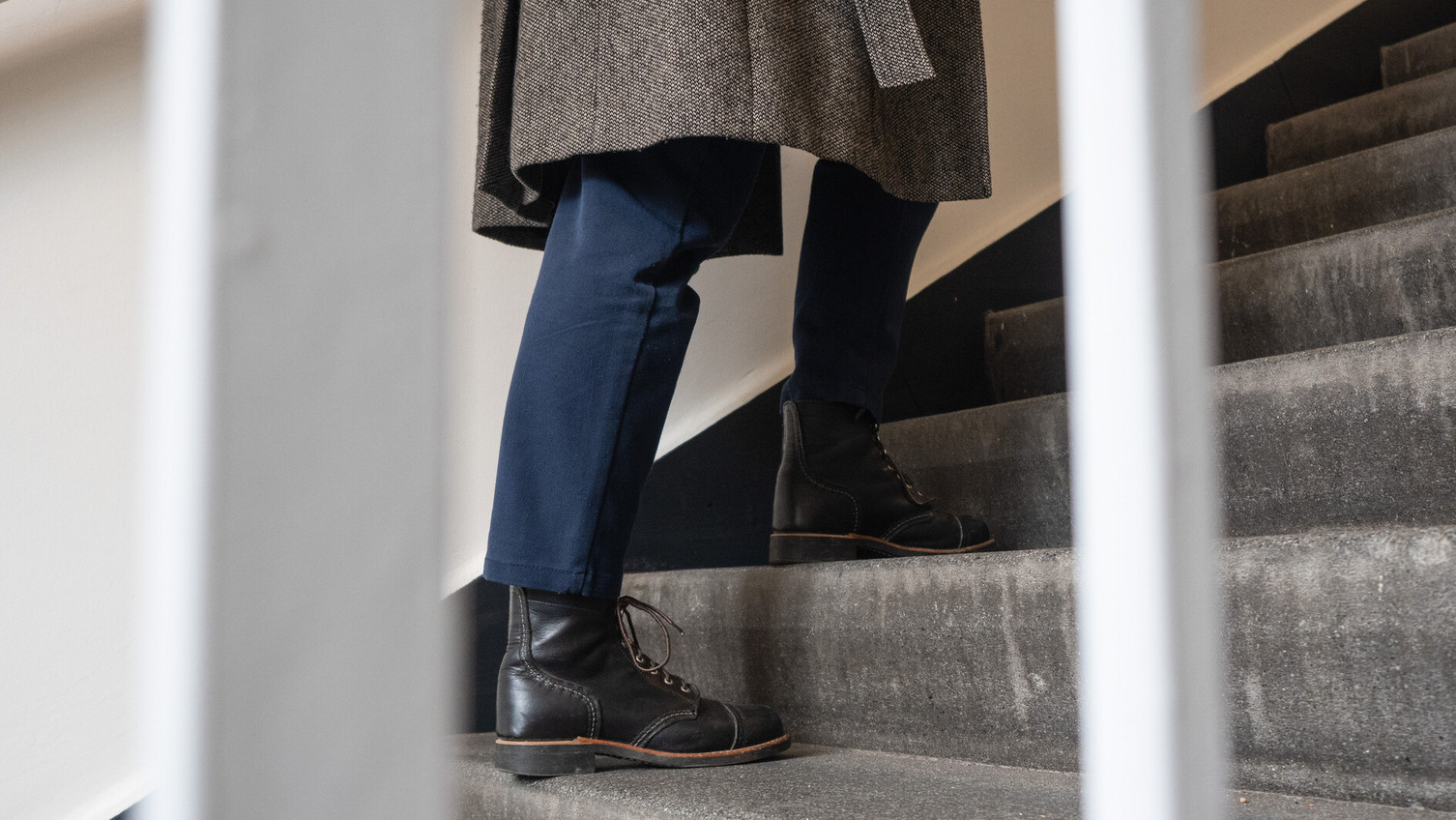
- If possible, always use the stairs instead of lifts. This saves electricity, provides exercise in your daily office routine, and keeps you fit and healthy.
- 400 steps = 15 minutes jogging
- A perfect everyday workout! How convenient that stairs are everywhere.
- From the basement to the 7th floor, the central building has 192 steps. Climbing up and down once, and doing so regularly, improves coordination, stamina and endurance.
Search engines
- Avoid energy-intensive search engines such as Google and use sustainable search engines such as Ecosia instead. Ecosia supports green projects, works for the common good and stores comparatively little user data.
- Bookmark frequently visited websites to avoid energy-intensive search engine queries. Use a climate-friendly search engine and select it as your main search engine in your internet browser settings.
Computer & Notebook
- Switch off your computer, notebook, monitor and printer completely after work. Use a switchable power strip to avoid stand-by power; these are available at technik@leuphana.de.
- Set the energy-saving function under Control Panel (on some systems this function is called "Energy Options" or "Save Power"). It switches off individual system components when they are not needed; if you have any questions: it-service@leuphana.de.
- You should avoid using screen savers on monitors and notebooks, as they require a lot of power. You can switch off the screen manually during the lunch break, for example, or by using the energy-saving function.
Printing
- do not use stand-alone printers
- use the copiers as printers
- save various presettings: e.g. double-sided printing, black/white, several pages per sheet
- send your printouts to a password-protected compartment on the copier
- For questions: it-service@leuphana.de
Rooms
In all rooms and offices
- Ten minutes of shock ventilation with the thermostats closed.
- Please turn down the heating at the end of the working day.
- In toilet rooms and corridors, make sure the heating is turned down.
- Switch off lights and close windows when leaving the room.
- Please use the dimmers that are installed in many seminar rooms.